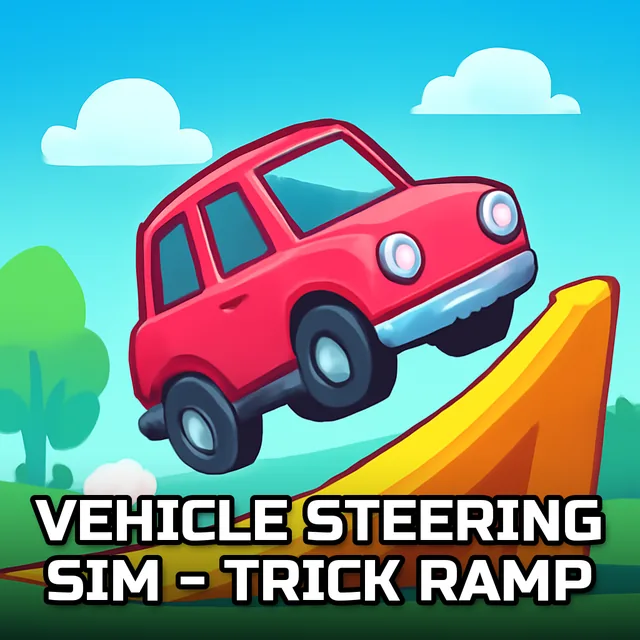
Vehicle Steering Sim - Trick Ramp
Instructions:
Keyboard ControlsDescription
Vehicle Steering Sim - Trick Ramp Review
Thirteen checkpoints stand between you and bragging rights here, and that number isn't just for show. Out of the massive crowd that's tried this track, only a tiny sliver has actually cleared it without a single respawn. That statistic alone tells you what kind of ride this is: a rooftop-hopping, ramp-launching gauntlet stretched across a sprawling 3D city, where highways twist into vertical loops and buildings become launch pads instead of obstacles. You pick a car from a garage that spans city rides, offroad trucks, speed machines, and even a police cruiser, then tune it up with paint, decals, wheels, and a few cosmetic touches before rolling out. Six drivers are up for grabs too, so the cast isn't just cars wearing different paint jobs.
Control Scheme
- Steer left and right using the keyboard's arrow or WASD keys.
- Accelerate and brake with the up and down inputs, adjusting speed before every ramp.
- Use a dedicated key for handbrake turns when the track forces a tight pivot.
- Trigger jumps and stunt inputs at the right moment to clear gaps between rooftops.
- Reset or restart quickly after a fall, since checkpoints punish hesitation.
Top Tips
- Slow down before ramps rather than after — overshooting a jump usually means a nasty drop back to street level.
- Learn the angle of each launch pad before committing to full throttle; guessing gets expensive fast.
- Switch cars if one feels sluggish on tight corners — offroad and speed builds handle very differently in the air.
- Watch the traffic lanes below, since stray cars and city clutter can throw off your landing line.
- Practice the same checkpoint a few times instead of restarting the whole run; muscle memory matters more than luck.
- Keep an eye on your time against the leaderboard pace, it's a good gauge of whether your line is actually efficient.