Expressway Racing 3D
Instructions:
WASD or Arrow KeysDescription
Expressway Racing 3D Browser Game Analysis
Features
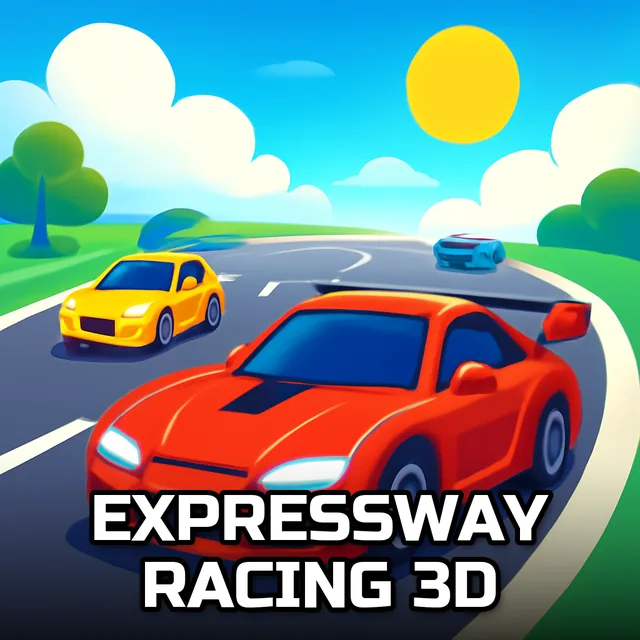
Expressway Racing 3D drops you onto a stretch of asphalt that never seems to run out of cars, trucks, and bad decisions waiting to happen. There are four ways to play, and they all mess with your nerves differently. One Way squeezes everything into a single lane, so weaving becomes less about style and more about pure survival instinct. Two Way flips the script by throwing oncoming traffic into the mix, which sounds simple until you're threading a gap between two vehicles closing in from opposite directions at once. Time Attack strips away the traffic-dodging drama a bit and just asks you to cover as much ground as possible before the clock hits zero, rewarding anyone who can hold a clean line without flinching. Time Bomb is the oddball of the bunch, strapping a ticking countdown to your car and forcing you to keep the speed up just to keep from blowing sky-high.
What makes it click is how fast the pace ramps up without much warning. You'll be cruising along fine, feeling pretty good about your reflexes, and then a truck changes lanes right as a sedan brakes ahead of it, and suddenly you're threading a needle at highway speed. There's no slow-motion save button, no rewind — just you, the wheel, and a decision that has to happen in about half a second. It's the kind of tension that sneaks up on you, and honestly that's what keeps you clicking replay even after a wall-slam ends the run early.
Controller & Keyboard Guide
- Use WASD to steer, accelerate, and brake.
- Arrow Keys work as an alternate control scheme, same functions.
- W or Up Arrow pushes your car forward and builds speed.
- S or Down Arrow slows things down or reverses out of trouble.
- A/D or Left/Right Arrows shift lanes to dodge traffic.
- Quick taps beat held-down inputs when threading tight gaps.